How to Learn Faster? Meet Google NotebookLM – Your Private AI for Learning

Do you have a pile of notes, a dozen PDFs, and an exam approaching faster than you’d like? Instead of panicking and rereading the same material for the tenth time, it’s worth letting artificial intelligence help — but in a thoughtful way.
Meet NotebookLM by Google.
It’s a tool that genuinely changes the rules of learning, because unlike a regular chat, it works only with your own materials.You upload your notes, and the system becomes an expert in exactly what you need to learn.
No guessing, no hallucinations — only your sources.
🛠️ How to Start: 3 Simple Steps
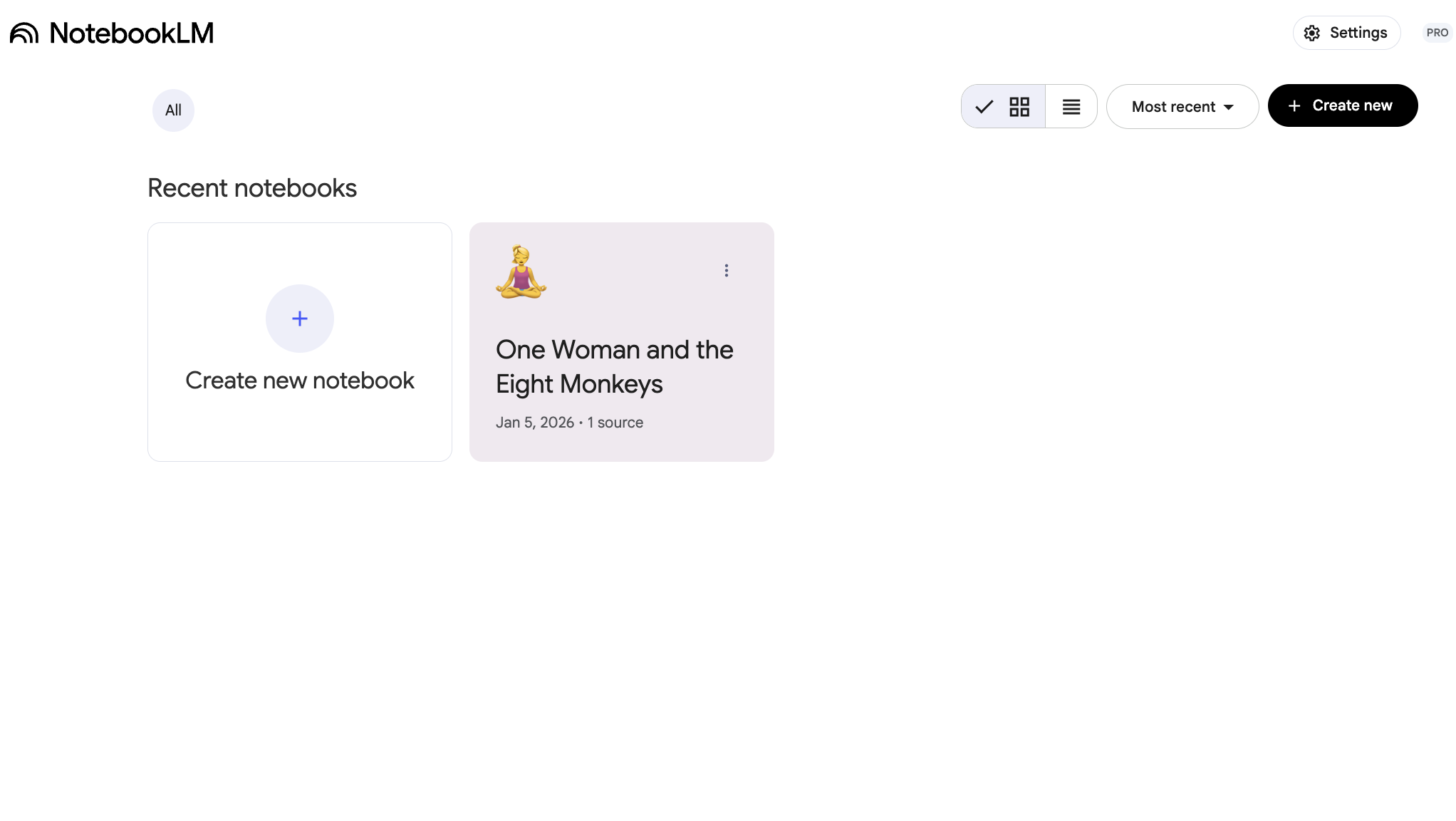
Go to
👉 https://notebooklm.google.comCreate a notebook
Think of it as a dedicated folder for one topic, e.g. Biology, Law, or Marketing.Upload your sources
You can add:PDFs
text documents
links to websites
even links to YouTube videos
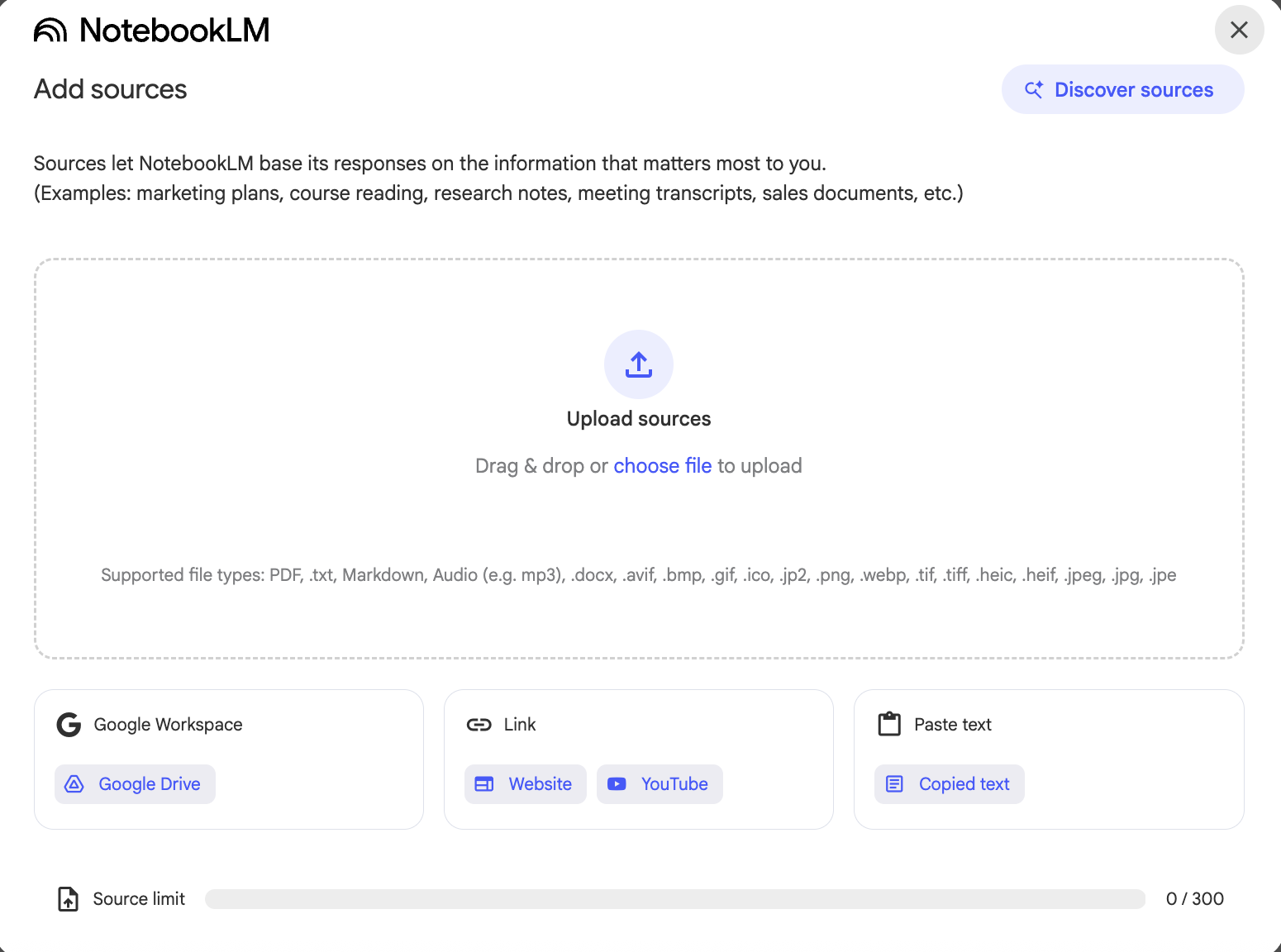
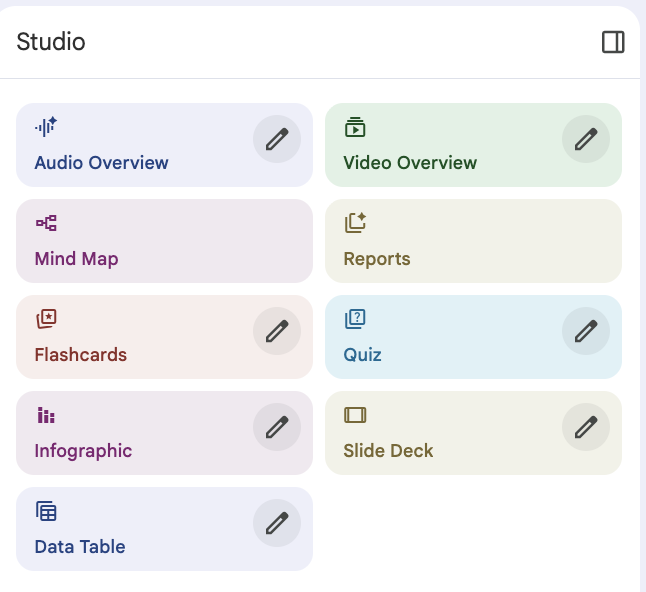
Once your files are uploaded, the real magic happens on the right side of the screen — in the Studio section.
🎧 My BFF’s (Karolina) Favorite Feature: Your Own Podcast from Your Notes
This is a true game-changer — and the feature most people recommend first.
Audio Overview generates a conversation between two AI hosts who discuss your materials in podcast form. Calm, structured, and surprisingly natural.
Why does it work so well?
Because you can learn without sitting down to study: on your commute, while cleaning, walking, or exercising.
You get used to the concepts by listening, and the knowledge starts to settle in almost effortlessly.
👉 Here’s an example of a podcast generated from my own blog text One Woman and Eight Monkeys — Suriya Namwong: https://notebooklm.google.com/notebook/57ee47a9-64b7-4c4b-9271-8b09f74cfdc2?artifactId=dc33ec75-ac80-4e2f-9e57-a5cf02845297
✨ How I Use It in Everyday Life
I — much like my friend Bartek — often turn text into sound. When I’m dealing with an article about legal changes related to AI in the European Union, or other dense but intriguing topics, I drop it into NotebookLM and generate a podcast. This way, I can listen instead of read — while walking, commuting, or between meetings. It’s a simple way to get familiar with complex ideas and look at them from a different angle, without spending another hour staring at a screen.
🔍 Feature Guide: What Can Studio Do?
NotebookLM automatically turns your notes into different learning formats — depending on how you learn best.
🎙️ Core Features (Free Version)
The free version of NotebookLM already gives you a full learning toolkit:
Audio Overview
A podcast created entirely from your materials. Perfect for learning in the background.Video Overview
Paste a YouTube lecture or video, and NotebookLM extracts the key points for you.Mind Map
A visual representation of concepts and their relationships — great for seeing the bigger picture.Flashcards
Automatically generated question–answer pairs for quick revision.Quiz
A test based on your materials — ideal for checking your knowledge before an exam.Reports
A clear, structured written summary of all your sources.
🧪 BETA Features in the Free Version
Some tools are available in the free version as BETA features:
Infographic (BETA)
Turns text into clear visual diagrams — perfect for processes and structures.Presentation (BETA)
Creates a slide structure and key talking points based on your notes.
BETA features are still being refined, so they may change or behave less predictably — but they’re already very useful.
💎 PRO Features
The PRO version unlocks additional, fully stable tools:
Infographic
More advanced visual schematics built from your data.Slide Deck (Presentation)
A complete slide structure with key points — great for work, university, or team projects.Data Table
Extracts numerical data and tables from documents and organizes them for further analysis (e.g. in Excel).
🎁 BONUS: A Handy Prompt Cheat Sheet
Copy and paste these into the NotebookLM chat:
For tough topics: “Explain [concept] from my materials as if I were five years old. Use a simple analogy.”
Exam prediction: “Based on these sources, generate 10 likely exam questions with answers.”
Memory training: “Quiz me. Ask one question at a time, evaluate my answer, and fill in what I missed.”
Quick revision:“Create a TOP 10 list of facts I need to know to pass this topic well.”
NotebookLM lets you move from passively reading about something to actively talking with knowledge. Podcasts, quizzes, and mind maps make learning feel lighter — and genuinely more effective And you? Have you created your first NotebookLM notebook yet? Let me know in the comments which feature you’ll try first :)
